Veränderungen des Inhalts
Klicken Sie für eine detaillierte Beschreibung auf die geänderten Stellen:
Benutzen sie die linke oder die rechte Maustaste, um zur jeweils vorherigen bzw. nachfolgenden Änderung zu gelangen.
It is possible to exclude certain employees from mobile use of Personalwolke in the app.
Every employee of a company is automatically a member of the “ALL” authorization group from the time the person is created in the system. A $MobileApps-Users role is attached to this group. 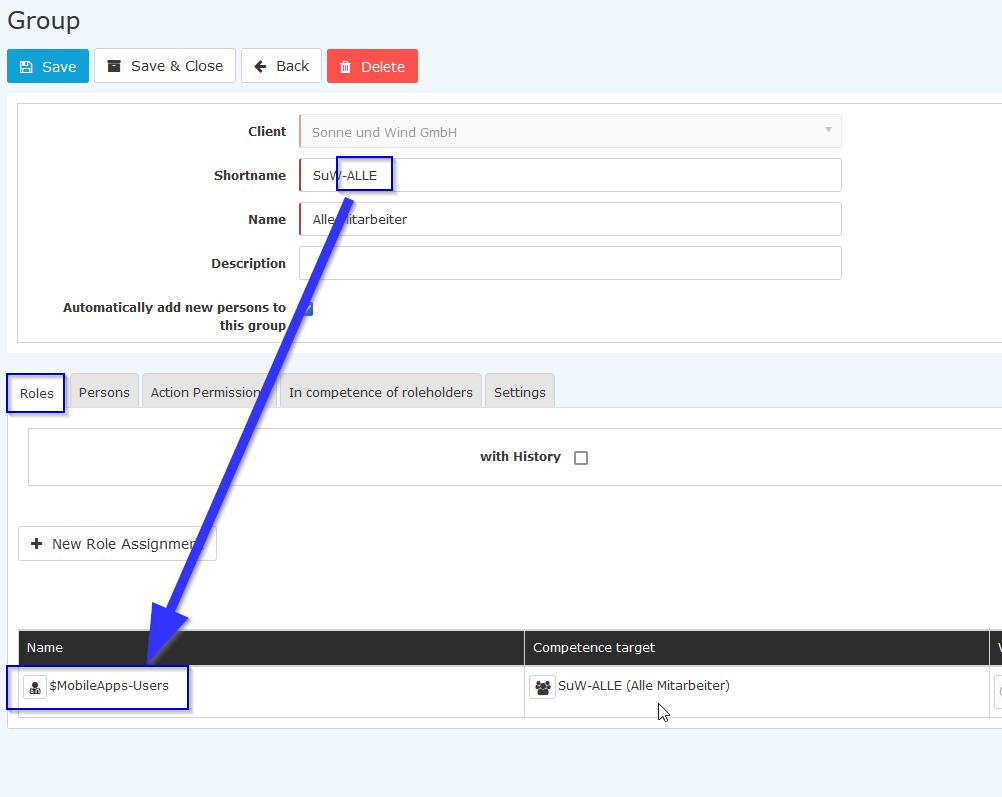
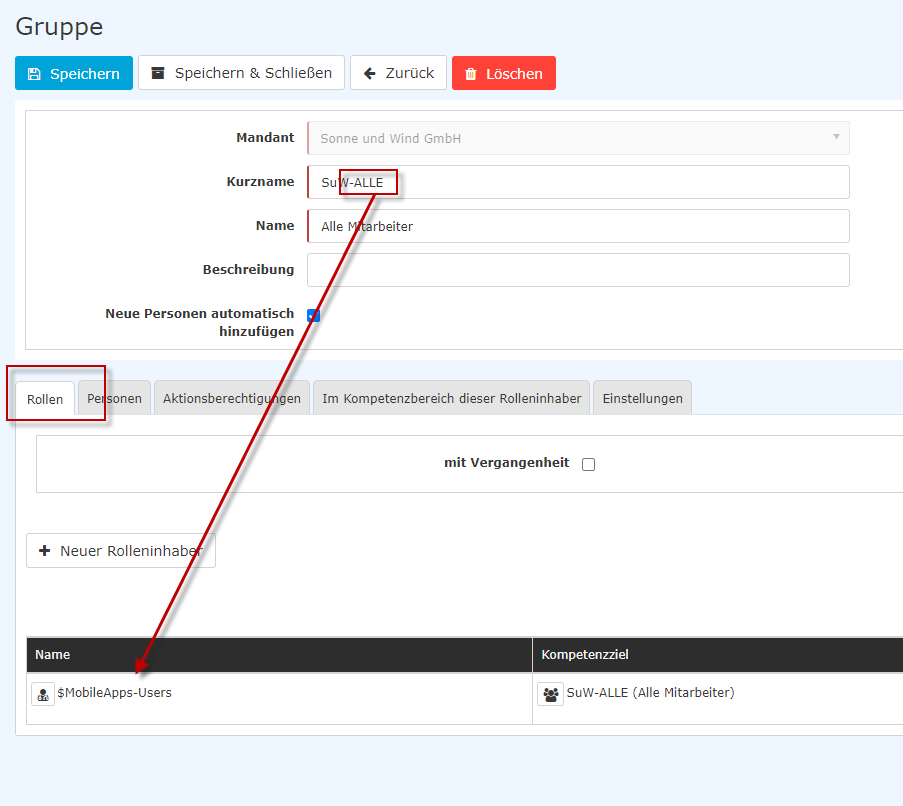
If an employee does not have this function, i.e. cannot use the app, please proceed as follows:
1. create Create a new permission group, e.g. ALL_Mobile
2. assign Assign the role $MobileApps-Users to this group.
3. now Now add all employees to this group who are to have access via the app in future.
4. delete Delete the role assignment to $MobileApps-Users from the ALL group.
It is not possible to delete the role exclusively for the employee, as it is an inherited role (=role that the person has through group membership).
Please also do not delete the role $MobileApps-Users from the ALL group without replacing it!

 erste
erste


 Vergleiche Versionen 1 und 2