Veränderungen des Inhalts
Klicken Sie für eine detaillierte Beschreibung auf die geänderten Stellen:
Benutzen sie die linke oder die rechte Maustaste, um zur jeweils vorherigen bzw. nachfolgenden Änderung zu gelangen.
General
Time correction requests are used to make up for bookings that were forgotten, missed or not made due to other circumstances.
The user must enter the date and time range of the correction booking in the form.
If you want to book time retroactively, enter the absence reason "Present". The "Comment" field is used to enter text that helps the decision maker process the request. The text entered in this field later appears together with the request details in the Open requests list (found under the Workflow menu item) for the requester and in the Open tasks list for the approver (supervisor).
Possible absence reasons for a time correction are:
- Present (e.g., if you forgot to book at the start of the working day)
- Doctor
- Errand
- Telework
- Various absences
The "Show journal" button serves as a possible aid when filling out the request; the monthly journal is displayed. Correction requests can also be submitted directly from the monthly journal.
The request process is started by clicking the "Start process" button, and the request is sent to the supervisor for approval. The supervisor finds the time correction request under the menu item Workflow - Open tasks.
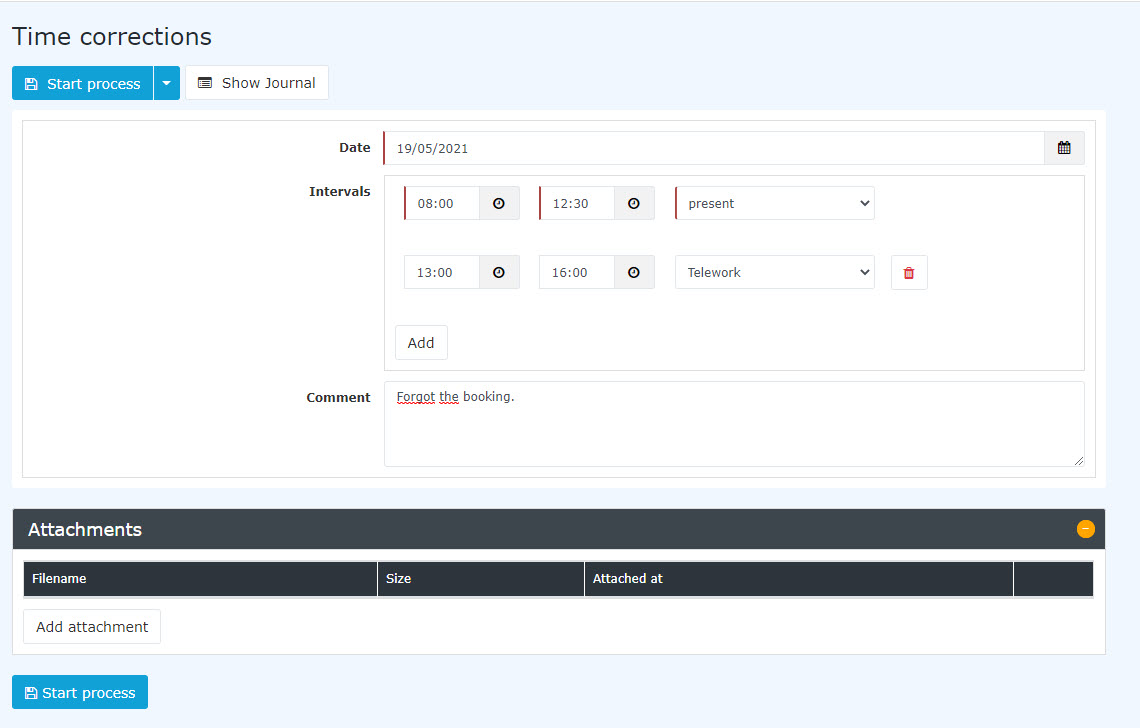

(In this example, a time correction request is submitted for 0504/1912/20212019. The employee generally forgot to book and therefore creates the request for 08:00-12:30 and 13:00-16:00. In the first period he or she was present, while in the second period he or she worked remotely.)
After starting the process, you are forwarded to the Open requests overview, where you see all your own open requests sorted chronologically by the time they were created (for more information see Open requests).


Attention: If a time correction is submitted for the current day, a booking must already exist on that day; otherwise no correction is possible.
Approval process
Requester --> Supervisor for approval
Corrections - Principle: Overwriting (applies to all requests that can be submitted)
Time corrections are applied according to the principle of overwriting:
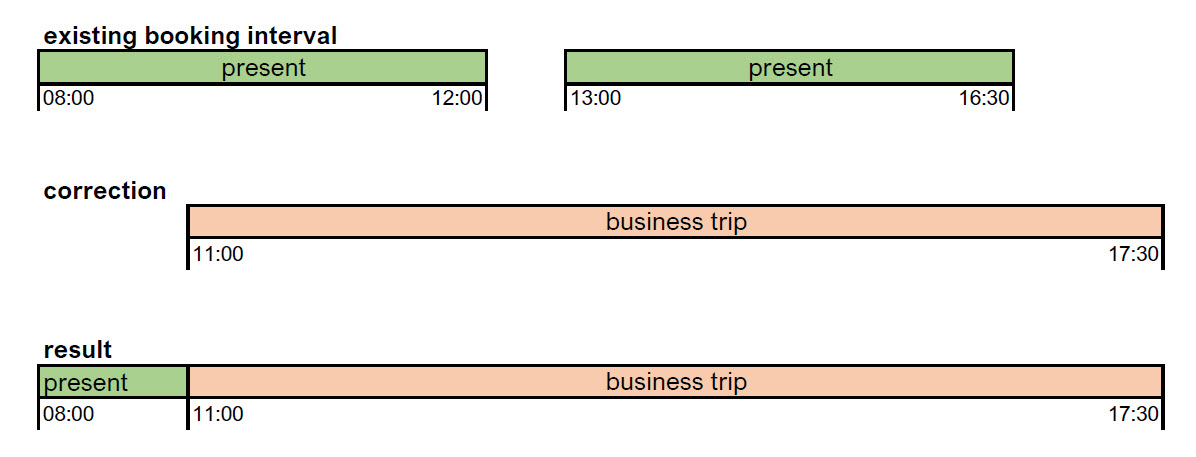
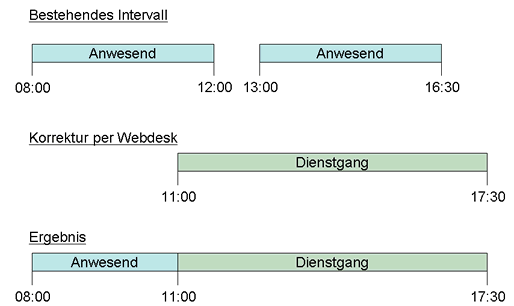
New booking intervals take precedence over existing intervals. Where they overlap, the existing intervals are deleted or shortened. The following diagram illustrates this principle. It shows existing booking intervals of a day that are corrected by a subsequent booking.

 erste
erste


 Vergleiche Versionen 11 und 12