Veränderungen des Inhalts
Klicken Sie für eine detaillierte Beschreibung auf die geänderten Stellen:
Benutzen sie die linke oder die rechte Maustaste, um zur jeweils vorherigen bzw. nachfolgenden Änderung zu gelangen.
daisy:6432-dsy
General
After selecting the person, the following changes can be made in the Settings tab:
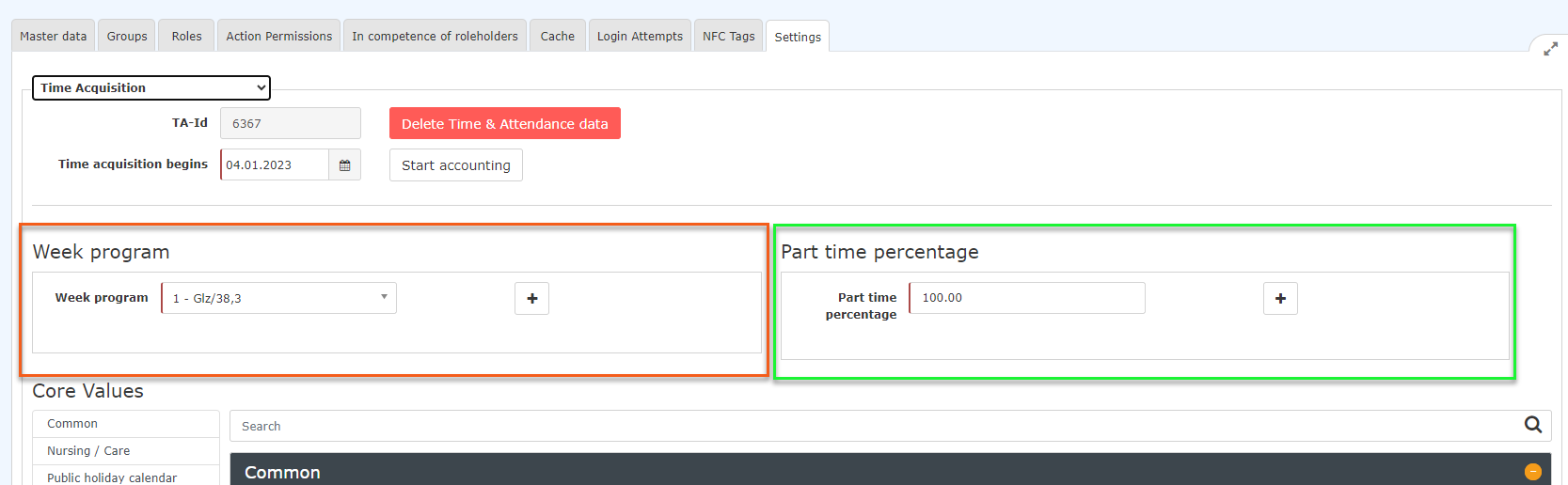

Changing the weekly schedule
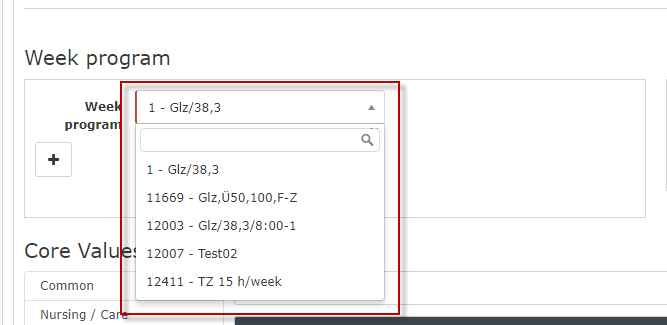
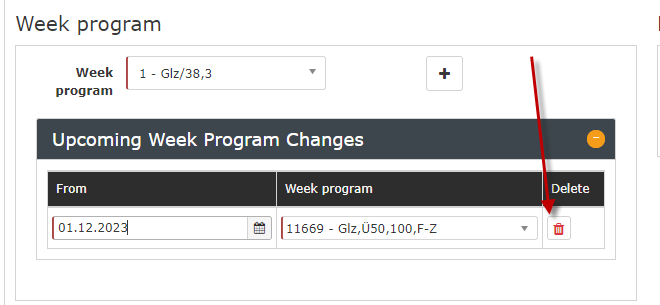
If the weekly schedule is to be changed with immediate effect, you can select the new weekly schedule in the dropdown menu marked in red and set it by clicking Save.

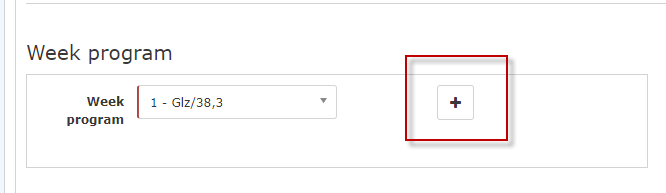
If the changeover of the weekly schedule is to take place automatically on a specific date, you can set this using the + Add new program button:

And then:
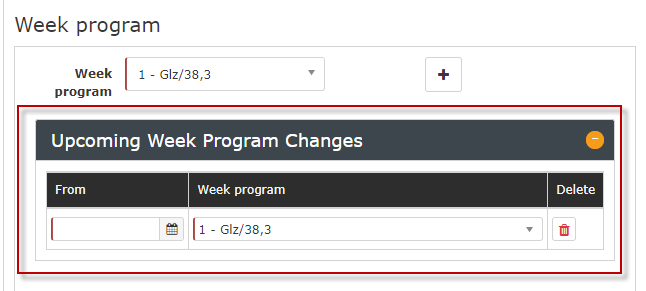

Clicking Save applies the changes.
Saved future changes to the weekly schedule can be removed again by clicking the Delete button  and then Save.

Changing the part-time factor
Caution! The following description refers to simple changes! Especially in connection with taking pro rata vacation credits into account, it is recommended to contact a member of the Workflow support team before entering the data!
Likewise, after selecting the person, the part-time factor can be changed via the Settings tab.
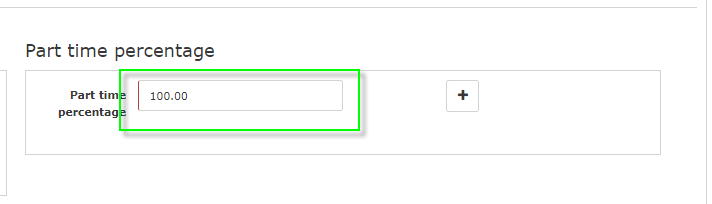
In the area marked in green, the part-time factor can be changed with immediate effect (percentage, number entry) - clicking Save applies the changes.

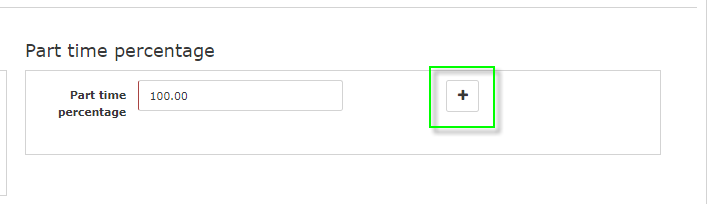
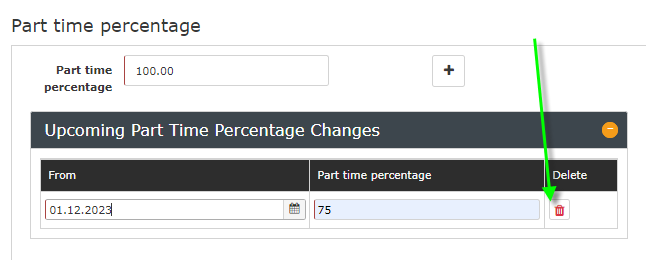
If the part-time factor is to be changed automatically from a specific date, you can set this using the + button.
Add part-time.

And then:
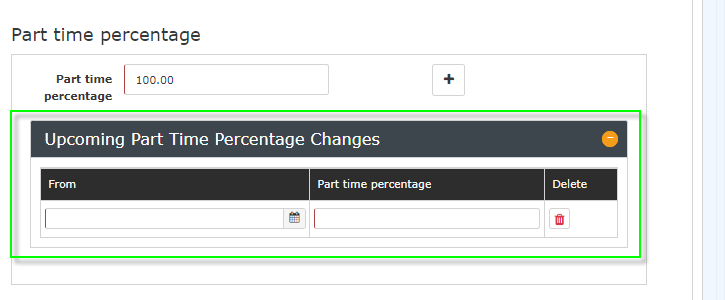

Clicking Save applies the changes.
Saved future changes to the part-time factor can be removed again by clicking the Delete button  and then Save.


 erste
erste


 Vergleiche Versionen 7 und 8