Veränderungen des Inhalts
Klicken Sie für eine detaillierte Beschreibung auf die geänderten Stellen:
Benutzen sie die linke oder die rechte Maustaste, um zur jeweils vorherigen bzw. nachfolgenden Änderung zu gelangen.
General
There are three ways to log in to Webdesk
In Webdesk, the password can be changed in the following ways:
-
Change of the password by the user
The user changes their password via a separate menu item in the settings
-
Change of the password by the administrator
The password is reset by the administrator to a defined default password
Password change by the user
daisy:9809
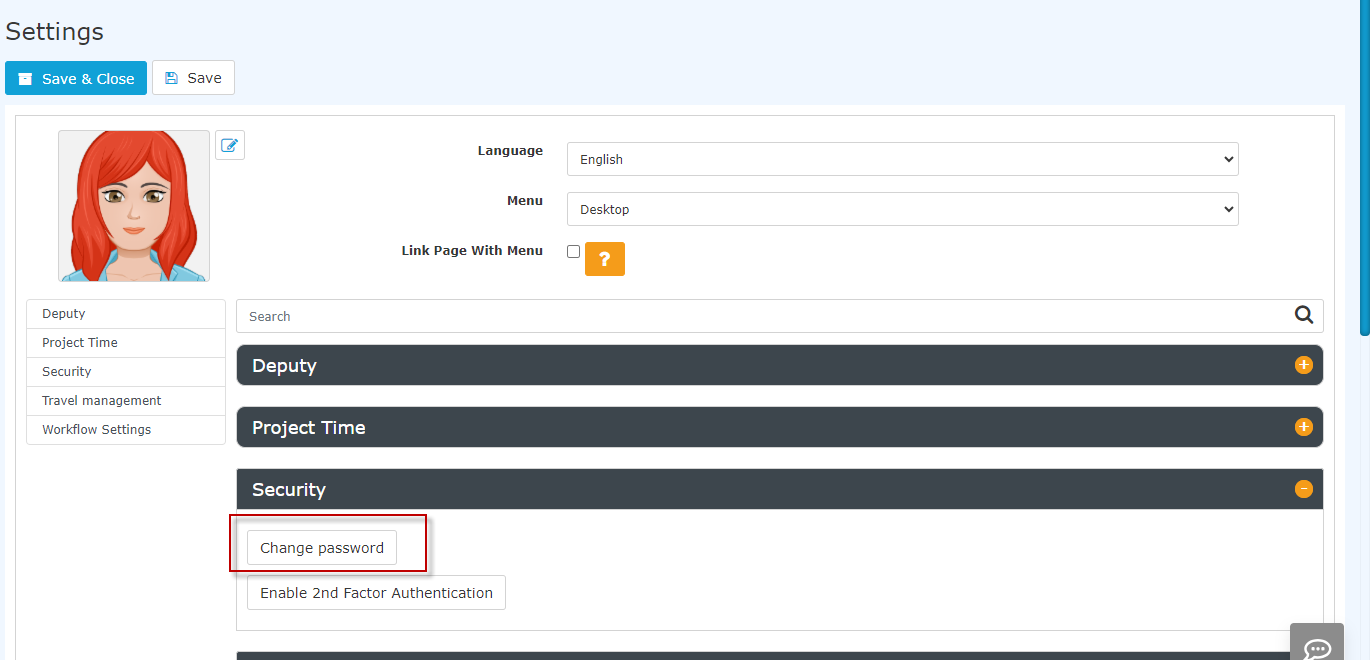
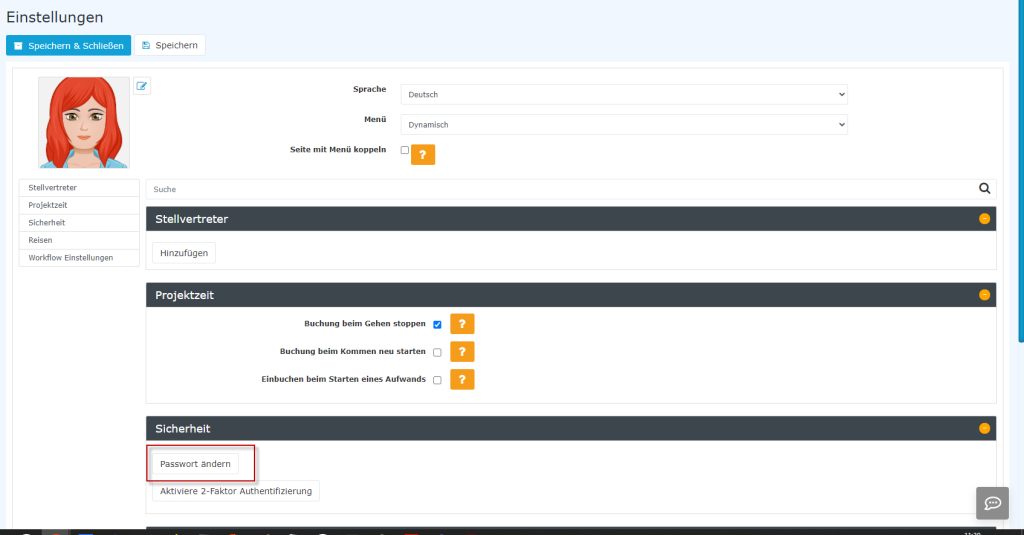
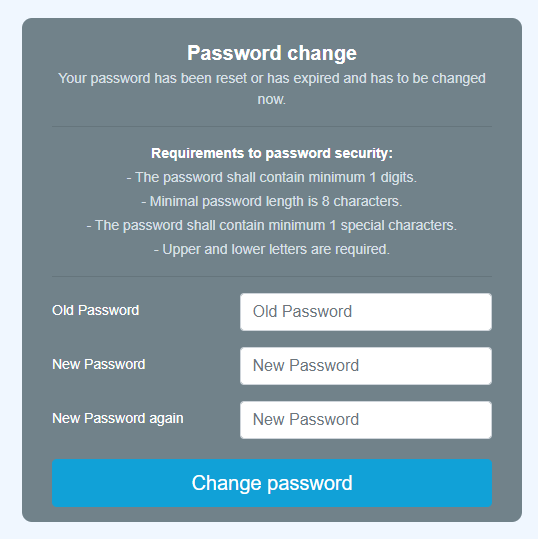
In the "Security" section, the user can change the password under "Change password". In the window that pops up after clicking, the old password and the new password twice must be entered in the change screen.

Password reset by the administrator
The administrator can change the password for the respective person via Administration --> Person. See chapter Assign and change password (admin side).

 erste
erste


 Vergleiche Versionen 6 und 7