Veränderungen des Inhalts
Klicken Sie für eine detaillierte Beschreibung auf die geänderten Stellen:
Benutzen sie die linke oder die rechte Maustaste, um zur jeweils vorherigen bzw. nachfolgenden Änderung zu gelangen.
General
The organizational structure allows the client (company) to be divided into groups (departments), and is the top organizational element for all groups that have the same type. This is usually referred to as hierarchical structures, such as the organizational chart. The hierarchical structures play an important role in the query of various lists and representations views (e.g. query of , querying an attendance list, management lists, ...). However, it is also possible to create organizational structures which that have no hierarchical relationship to each other, so-called loose permission groups (see Permission concept for more information).
An organizational structure has is assigned one of the following organizational organization types assigned to it:
-
Hierarchical organizational structure
-
Loose Groups
-
Hierarchical organizational structure
-
Permission groups
The hierarchical organizational structure is represented in an organizational chart of the enterprise company (client). This hierarchy determines the relationships between the groups (departments). You can define a top group (department) in the organizational structure (for example, executive board). In addition, higher-level or and lower-level groups (grouping assignment in the Groups menu option Groupsitem) determine the appearance of the organizational chart and the relationship between the groups.
One person can only belong to only one hierarchical group at a time (but can also additionally be a member of various loose permission groups)!
The organization type "Loose Permission group" is used for groups without a systematic organizational purpose. Loose groups do not have a There is therefore no hierarchical relationship between the permission groups. Examples of such groups result arise from the necessity need of individual application modules to group employees according to various criteria, such as All-inclusive lists, All by a wide range of criteria, e.g., flat-rate employees, all male employees, All all apprentices, and so onetc.
One employee can be assigned to several loose permission groups.
Representative
Deputy
- The next higher manager supervisor is the next logical representative deputy for a manager, supervisor if there is no deputy has been explicitly nominated one.
- A manager supervisor should not be able to approve his or her own proposals their own requests, and a deputy subordinate to him or her who reports to them should not be able to do so either.
More information can be found here: Roles .
Organigram
under Roles!
Organizational chart - Search mask
The Organizational chart menu item Organigram hides contains a search mask with which the organigram can be searched or displayed according to that lets you search or display the organizational chart by various criteria.
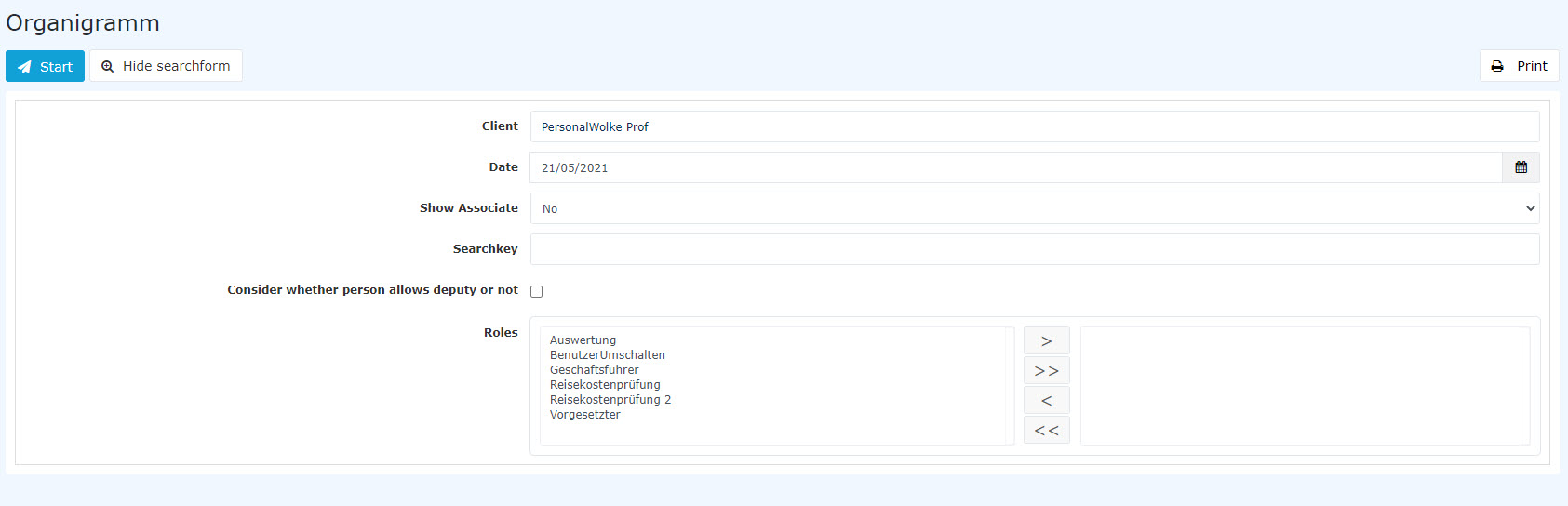
-
Client designates the company (preselected)
-
Dateindicates specifies the key date for which the organization organizational chart is to be displayed (interesting in the case of expired groups , resigned persons). Display and employees who have left)
-
Show employees determines whether the tree view of the organizational chart also shows the employees (Yes) or only the individual groups (No) are to be displayed in the tree display of the organizational chart.
-
Search terms defines names or parts of names of groups or persons that are highlighted in color in the result.
-
Consider suppression of deputy determines whether, when the role "Supervisor" is displayed, only the superior supervisor (checked) or his also their deputy (NOT checked) should be displayed when the role superior is displayedis shown, see also the information in the chapter Settings/Deputy.
-
Roles determines whether the names of the employees who hold the selected roles are displayed in the organization organizational chart (select roles and move them to the right-hand box with the right arrow button (
 ) to the right box and thereby select choose them).
The query is executed with a click on by clicking Start.
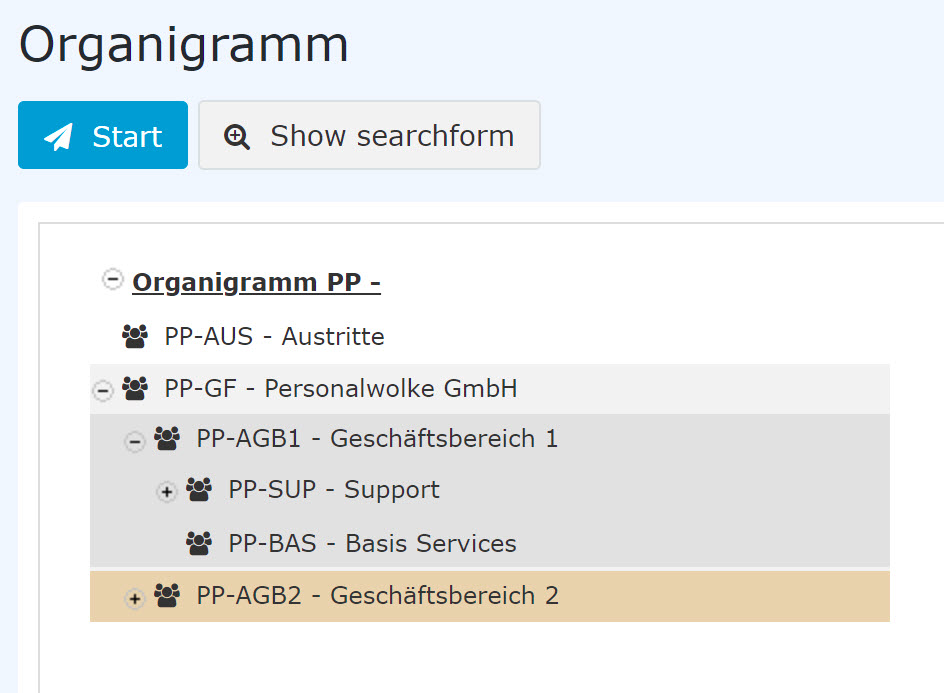
The parameters of Using Show search mask, the search parameters can be adjusted via Display search mask, for example as follows:
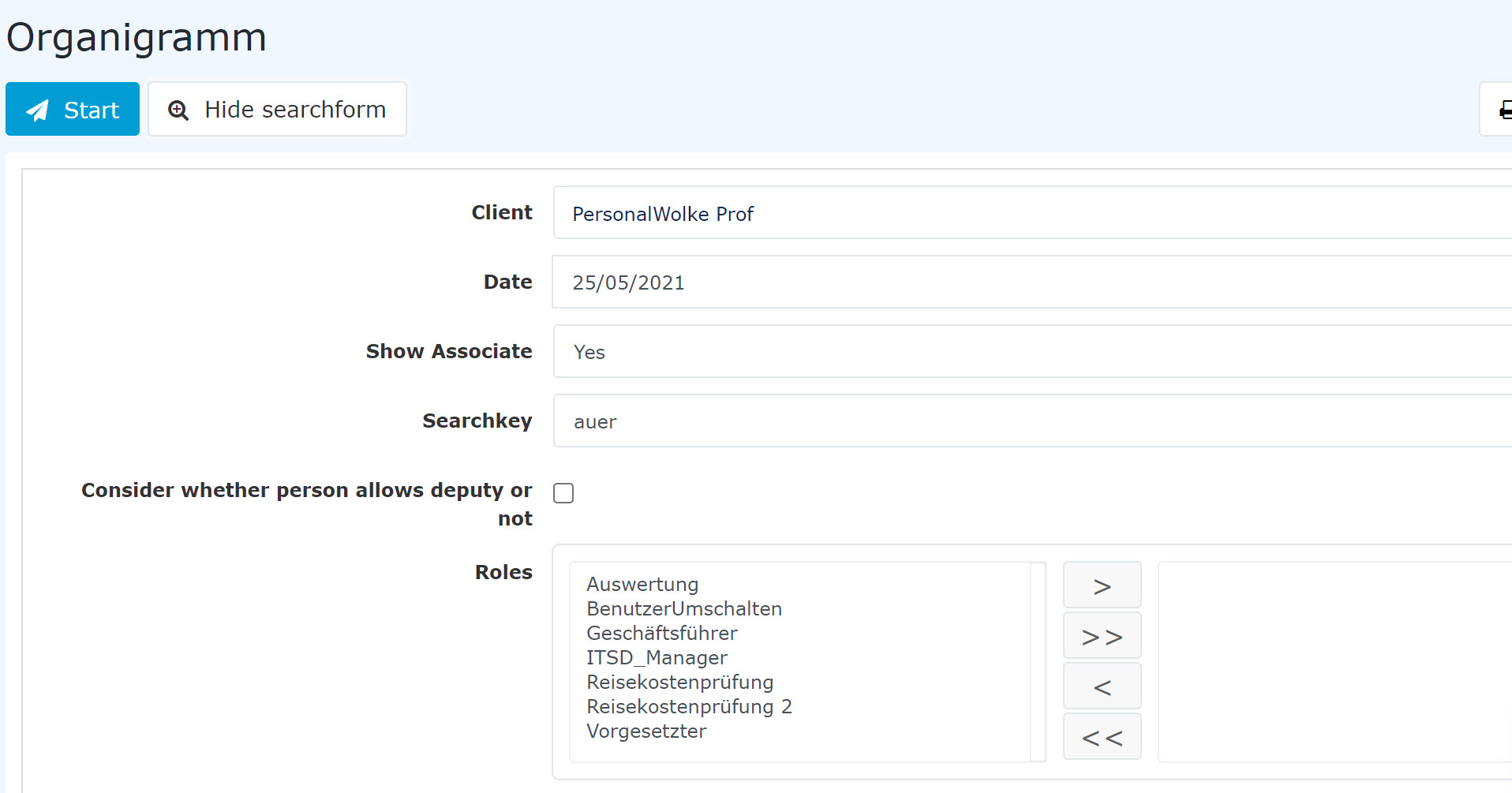
Changing the parameters results in the following organization organizational chart:
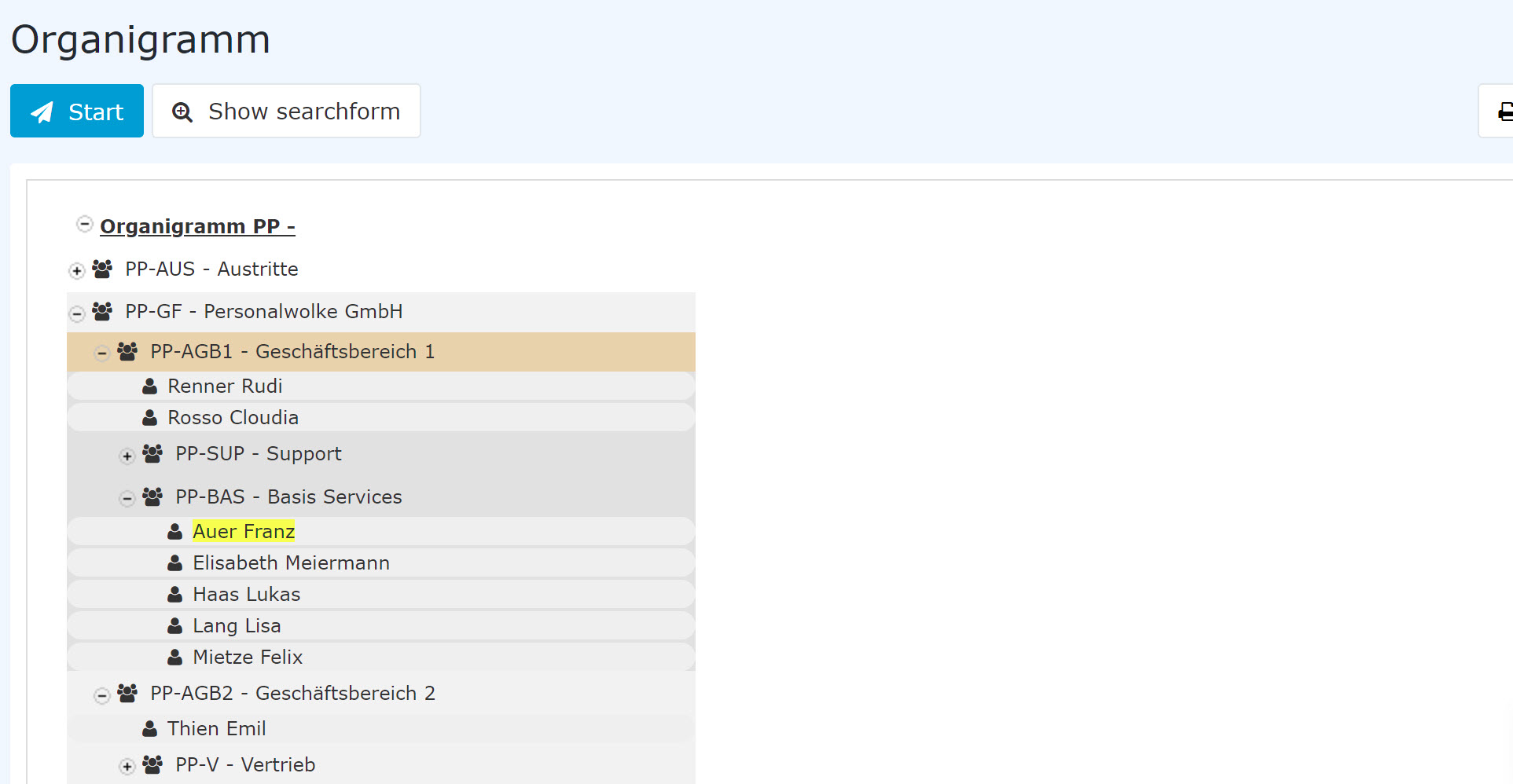
Here you can clearly see the individual groups and employees of the company. In the The right half of the organigram it is shown organizational chart shows who takes over on the role "superiorSupervisor" for the respective person / group, i.e.: , for the group PB-SUP (Support), "Honey Helga" is the superior supervisor - just like as for all other persons / groups of the company. Yellow marked is the The name "Golf Rolf" is highlighted in yellow because of the search term "Golf".
In the The following 3 chapters present a very clear method of the maintaining roles / groups / persons maintenance is presented.
Practical functions - Roles
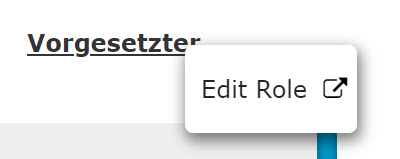
If you have selected roles to be displayed in the search query that are to be displayed (in this case managerSupervisor), a menu you can be opened by right-clicking on click the role name to edit open a menu for editing this role directly - i.e., to jump directly straight to the administration page of the role.
Practical functions - Groups
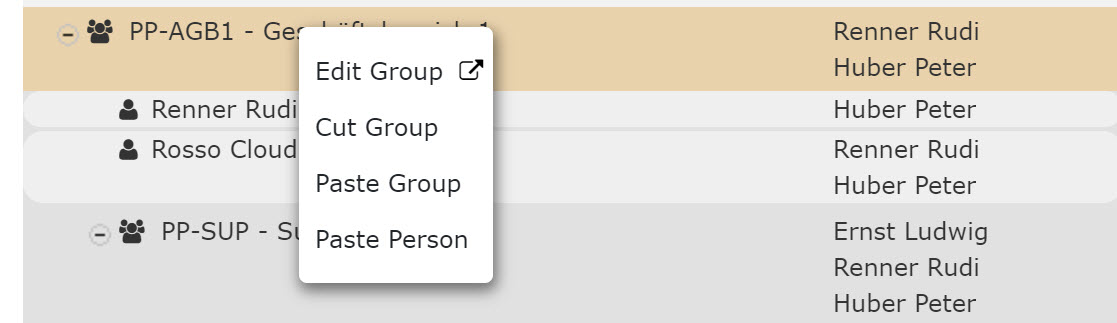
With a right click on Right-clicking the group name you can call up opens a menu from which can be used to call up the following functions can be called:
-
Edit group - this link takes you directly to the administration page for the selected group.
-
Cut group - this link allows lets you to cut the group at the from its current position in the organization organizational chart.
-
Insert Paste group - this link allows lets you to insert paste a previously cut group at another location.
-
Insert Paste person - this link can be used to lets you add a previously cut person to the selected group.
Practical functions - Persons
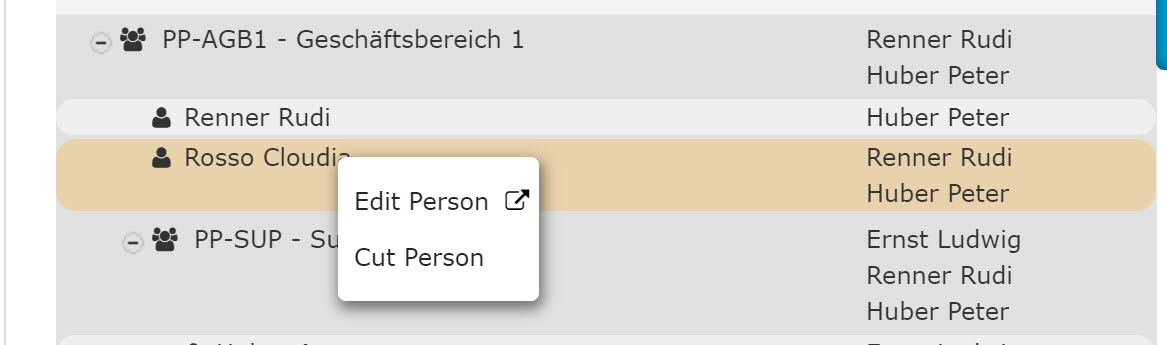
With a right click on a person, a menu can be called up with Right-clicking a person opens a menu from which the following functions can be operatedused:
-
Edit person - this link takes you directly to the administration page for the selected person.
-
Cut person - this link allows lets you to cut the person from the current group in order to insert it paste them into another group (see Groups - Insert Paste person)

 erste


 Vergleiche Versionen 13 und 14

