Veränderungen des Inhalts
Klicken Sie für eine detaillierte Beschreibung auf die geänderten Stellen:
Benutzen sie die linke oder die rechte Maustaste, um zur jeweils vorherigen bzw. nachfolgenden Änderung zu gelangen.
The menu items , which are combined by grouped under the Workflow menu bar, serve are used to track the progress of your own requests and to process requests assigned requests, as well as to you, and they provide an archive for completed requests and completed finished tasks.
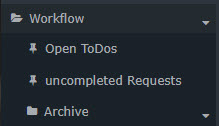
This document demonstrates how to use the operation of the filter function and the history view using the example of "Uncompleted Open requests". However, the same options are also available under the other remaining menu items of this sub-itemsection.
Operation of Using the filter function

-
The The filter function (Show Filter) allows you to search for specific requests in the workflow lists.
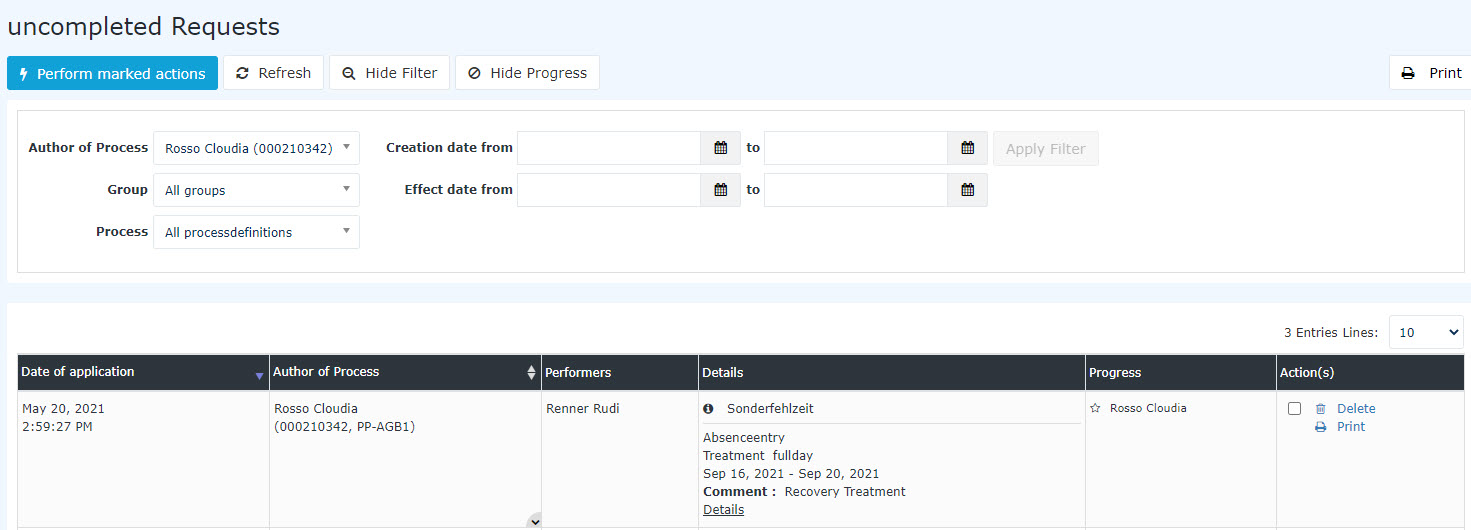
Using the following parameters (search criteria) you
-
Open the desired list (e.g., open, assigned or completed requests) > click the "Show filter" button (located in the title bar).
You can then search for the relevant request:
Author of Process
desired request using the following parameters (search criteria):
-
Requester
Here you can search for a specific applicant requester > selection of select the desired person (process author) from the list of names.
-
Group
With this parameter you can select a specific group (e.g., management or marketing), or search in all groups.
-
Process
Search for a specific process (for example, all vacation requests of a desired particular person > Process vacationprocess Vacation). If you want to see all requests, select "All processes" as the parameter
-
Creation date from / to
Search for requests with a specific creation date (it is possible to you can enter either a from - to date, or, for example, only a to date to see all requests submitted up to a specific datecertain day)
-
Effect Effective date from / to
All applications requests whose validity period of effect is valid from the from date are displayed. In addition, you can limit You can additionally restrict the effective date with the to - date parameter.
By clicking Clicking the "Apply Filterfilter" button , the applications are searched and displayed searches for the requests according to the parameters and displays them.
If you do not want to have the filter criteria on the screen, click on the "Hide filter" button.
If you do not want the column with the process history to should not be displayed in the application request overview, click on the "Hide ProgressHistory off" button. If you want to see the column again, select "Show ProgressHistory on".
History view
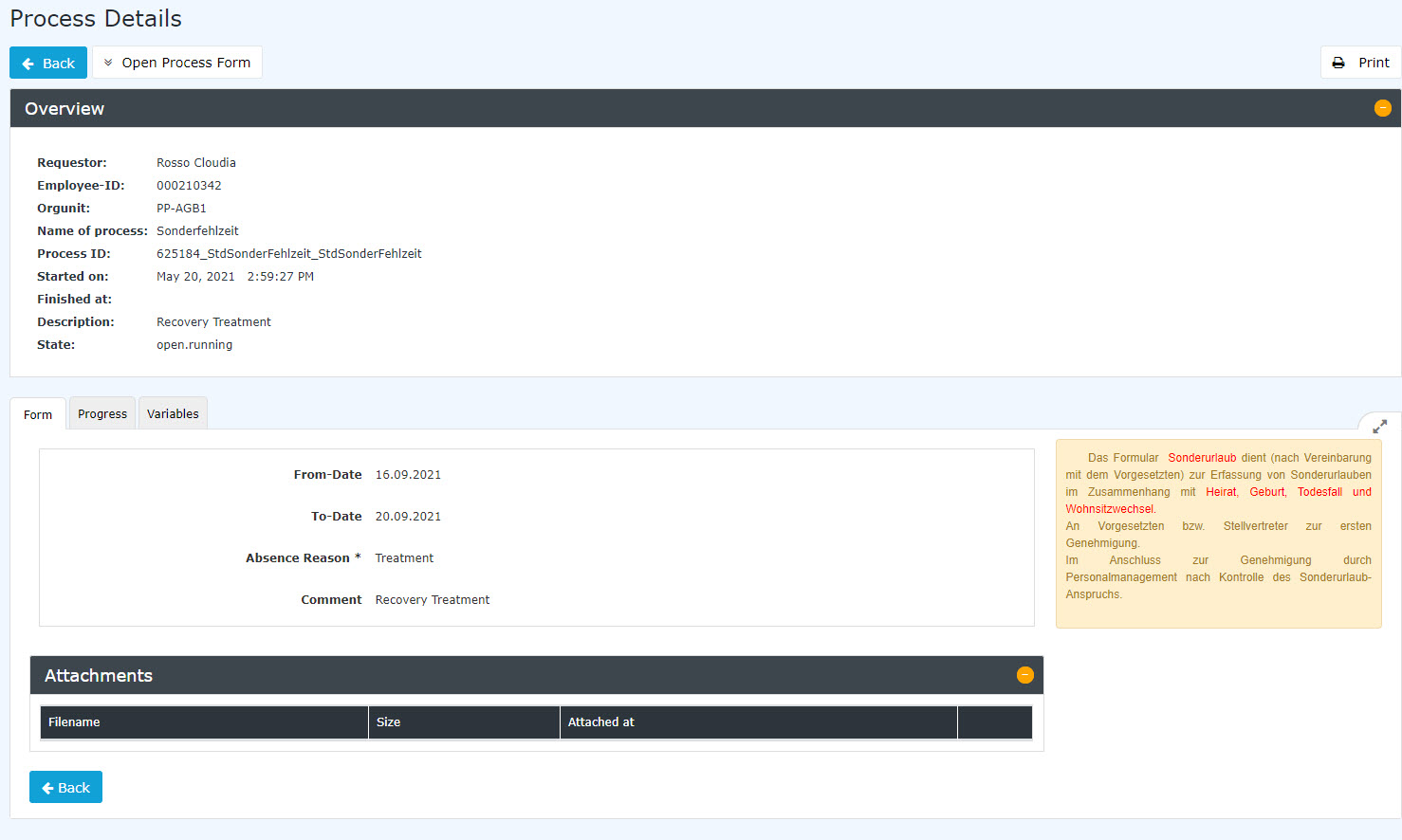
Once you have found the required desired request using the filter parameters (search criteria), you can take a closer look at it using the Info info button (Details column): By clicking on

Clicking the info button , displays the following information is displayed:
-
Form
All data from the request form are is summarized here. In addition to the request data itself (from-to date, absence reason for error, comment, etc.), there is also an overview of the current vacation entitlement and the number of vacation days remaining after the request is approved.
-
ProgressHistory
Here you can see the roles (requestorrequester, personnel), to which person these roles are assigned to (assigned to), who processed (/created ) the request (processor), and the time of processing. If comments are added when viewing reviewing / approving the request, they you would also be displayed see them here.

-
Variables
The "Variables" tab contains a technical overview of variables and their values, each of which describes specific information about the request. This view has no specific function for the end user, since all the information it contains is clearly displayed elsewhere in the request - this tab is therefore only relevant for administrators or Workflow support.

 erste


 Vergleiche Versionen 7 und 8

