Veränderungen des Inhalts
Klicken Sie für eine detaillierte Beschreibung auf die geänderten Stellen:
Benutzen sie die linke oder die rechte Maustaste, um zur jeweils vorherigen bzw. nachfolgenden Änderung zu gelangen.
Practical functions
You can also submit a time correction / absence request for the selected day by right-clicking the corresponding cell in the calendar.
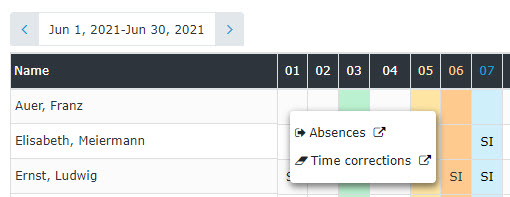
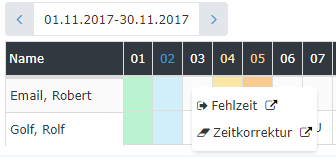
(In this example, a time correction / absence request could be submitted for 11/03)
The calendar view can also be exported as a PDF or Excel file or prepared for printing. The corresponding icons (Print, PDF, Excel) are located in the upper right corner.
A list of absence reasons can be found HERE.

 erste


 Vergleiche Versionen 5 und 6
