Veränderungen des Inhalts
Klicken Sie für eine detaillierte Beschreibung auf die geänderten Stellen:
Benutzen sie die linke oder die rechte Maustaste, um zur jeweils vorherigen bzw. nachfolgenden Änderung zu gelangen.
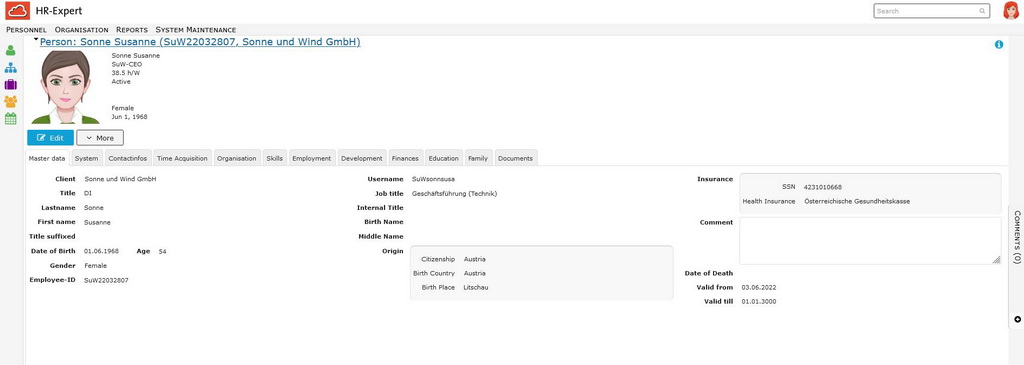
All personal data of the employee are recorded here.
This tab provides a quick overview of the employee, his position in the company and his user name.
This tab gives you an overview of all relevant person information as well as the employee's personnel number and user name.
Note:
The arrangement of the fields may vary slightly depending on the browser used.
Important: The "Valid from" date in the "Master dataData" tab defines determines the overall validity start date of validity of the employee file as a whole! All time-related data records in the employee file can be entered for that date at the earliest! See Illustationillustration: Time limitation Limitation and HistorisationHistorization.
The employee's entry date is in Tab Employment can be found in the Employment tab - Employment.
Details on the individual fields can be found at: in the list Master Data Field Index Index.

 erste


 Vergleiche Versionen 5 und 6

