Uninstallation of Webdesk
General
This article describes the steps required to uninstall
a Webdesk 4.x.
Steps in Detail
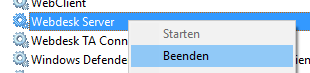
- In the Windows services, right-click "Webdesk Server Service" and
stop it
- In Windows Explorer, open the file path of Webdesk
- Double-click the file uninstall.exe
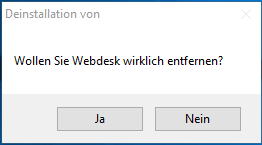
- Answer the security prompt with "Yes"
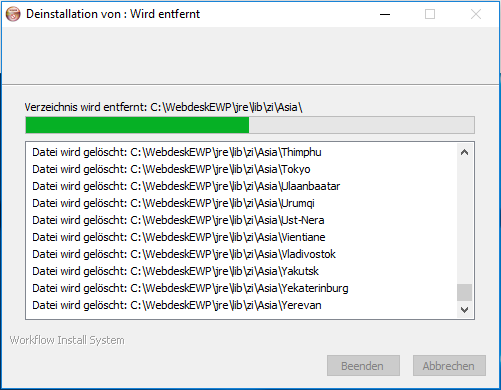
- Webdesk is uninstalled
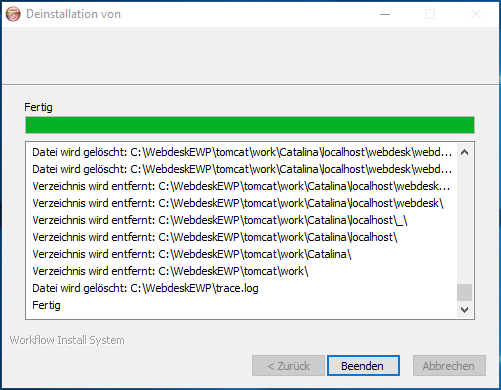
- When the uninstallation is finished, click "Finish"