Veränderungen des Inhalts
Klicken Sie für eine detaillierte Beschreibung auf die geänderten Stellen:
Benutzen sie die linke oder die rechte Maustaste, um zur jeweils vorherigen bzw. nachfolgenden Änderung zu gelangen.
Within HR-Expert, multiple selection is not possible in most lists. Instead; instead, a click opens the corresponding element item, in detail where applicable. However, in In some cases, however, multiple selection is possible as follows:
|
User Actionaction
|
Result generatedachieved
|
|
Click on an elementitem.
|
Exactly one element item is selected.
|
|
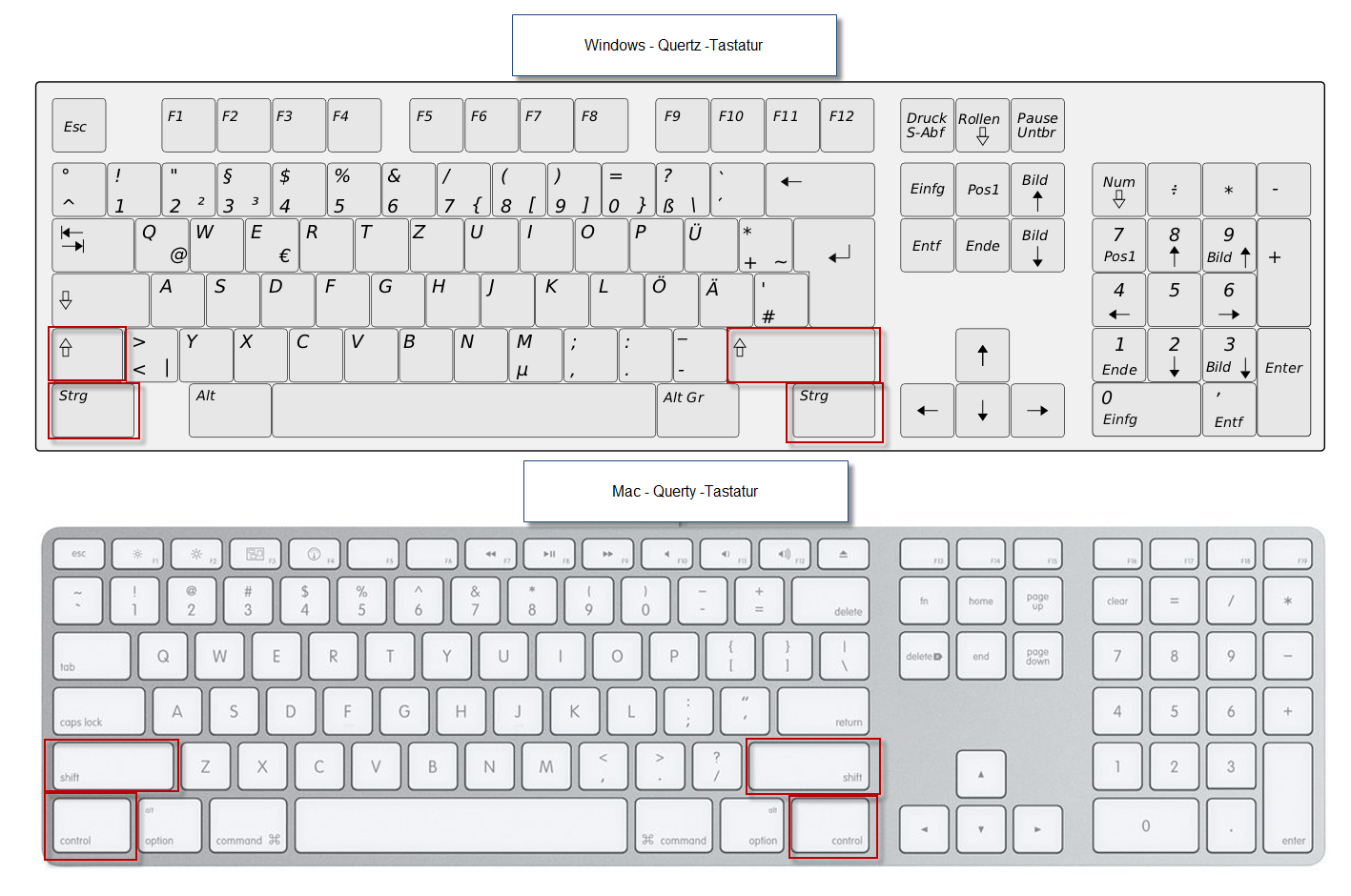
Click on an elementitem, hold down the SHIFT key, click on another elementitem, release the SHIFT key.
|
All elements items from the first to the last click clicked are selected continuously.
|
|
Click on an elementitem, hold down the Ctrl (CTRL) key, click on other elementsfurther items, release the CTRL key.
(On a Mac: CMD key)
|
Individual elements Individual items are selected, with gaps between them on unselected elementsof unselected items in between.
|
 erste
erste


 Vergleiche Versionen 1 und 2